 Home
PDF2Image ScreenShots
Articles
Products
Downloads
Home
PDF2Image ScreenShots
Articles
Products
Downloads
 |
Acrobat to PCX Converter Acrobat to PCX - Convert Acrobat files to PCX files (acrobat2pcx,acrobattopcx) |
PCX Graphic File Format
The PCX format is actually a relatively straightforward format that offers a
minimum of compression employing Run Length Encoding (RLE). RLE indicates the
file can be study from start to complete in one pass and encoded or decoded with
out any holistic info (i.e., as a way to determine what the next encoded byte
is, you only need to know what preceded it, not anything after it.) The PCX
format is especially helpful for 320x200x256 VGA mode 13h (exactly where each
pixel is stored as a byte). The PCX format was originally employed by Computer
Paintbrush.
The PCX file by itself includes two parts--the first component is referred to as
the header, which contains information about the image; the second part is the
image information, which consists of real picture data and coloration
information. Rather than clarify every discipline with the header in detail, a
structure is demonstrated below which gives a brief glance at the objective of
every area.
The PCX file consists of two parts, the header and also the image data, that is
usually compressed. PCX files start with a 128-byte header.
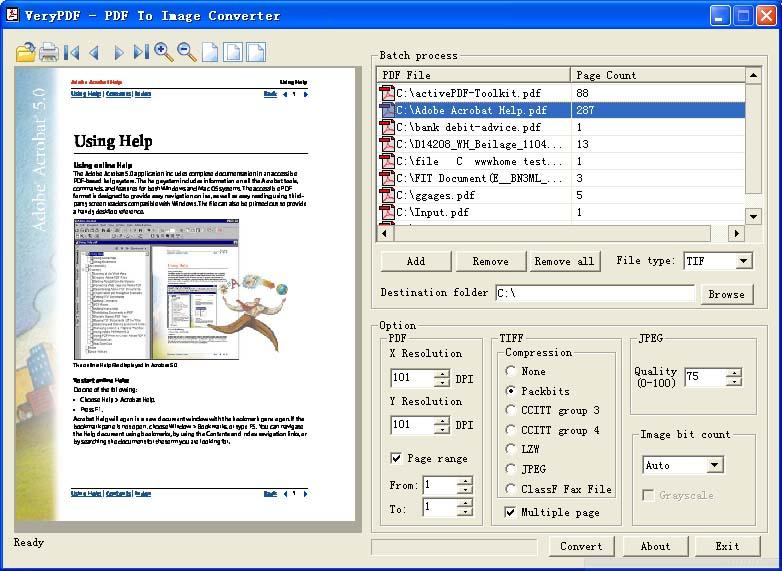
Acrobat to PCX Converter product does convert Acrobat PDF files to PCX format,
you can set target format to PCX (see following screenshot), you will able to
convert your Acrobat file to multiple PCX files, one PCX file per page,
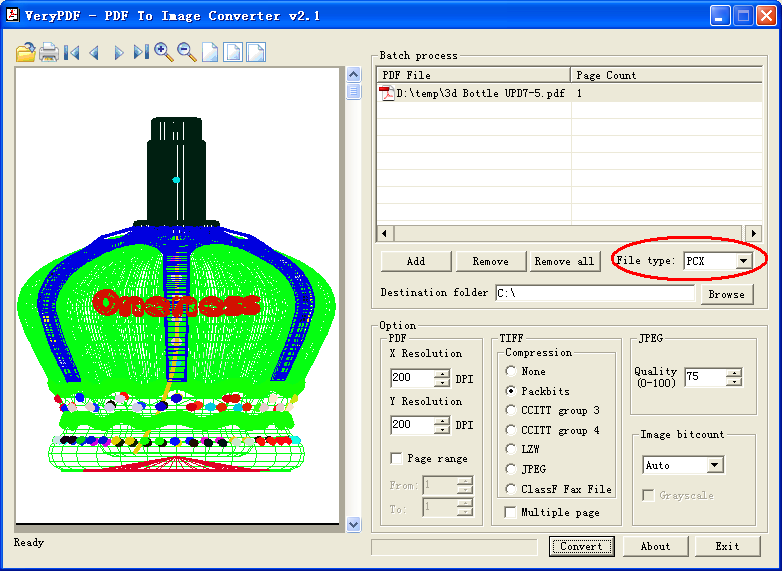
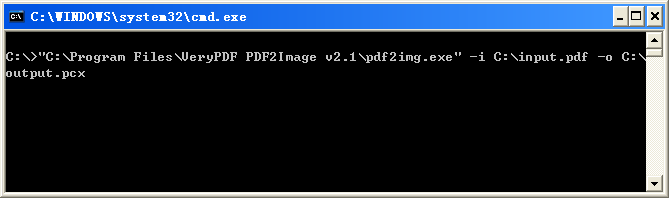
You can also convert your Acrobat
file to PCX format from command line, for example,
"C:\Program Files\VeryPDF PDF2Image v2.1\pdf2img.exe" -i C:\input.pdf -o C:\output.pcx
Home |
Products |
Downloads |
Support |
Links | Contact
Copyright © 2000- VeryPDF.com, Inc. All rights reserved.
Send comments about this site to the webmaster.