 Home
PDF2Image ScreenShots
Articles
Products
Downloads
Home
PDF2Image ScreenShots
Articles
Products
Downloads
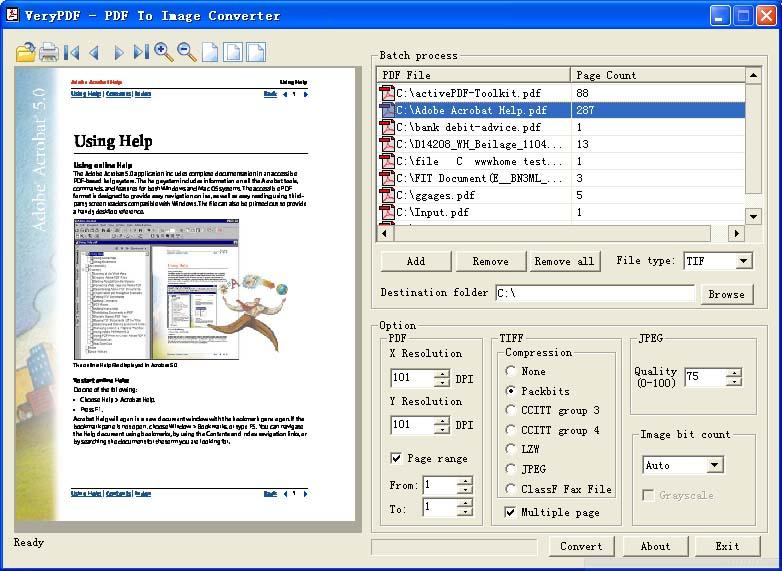 |
PDF to Picture Converter - PDF to Picture PDF to Picture - Convert PDF files to Picture files (pdf2picture, pdftopicture) |
PDF to Picture Converter is convert your PDF
content to top quality pictures and images that you can reuse them in Microsoft
Windows applications like MS Office, MS Publisher and MS Visio, Adobe Photoshop,
etc., you are able to also upload the pictures to your website or blog for
sharing.
PDF to Picture Converter is support both vector and image modes, PDF to Picture
Converter produces just what you need to enhance your documents and
presentations. Choose vector mode (WMF/EMF) if you want to extract the objects
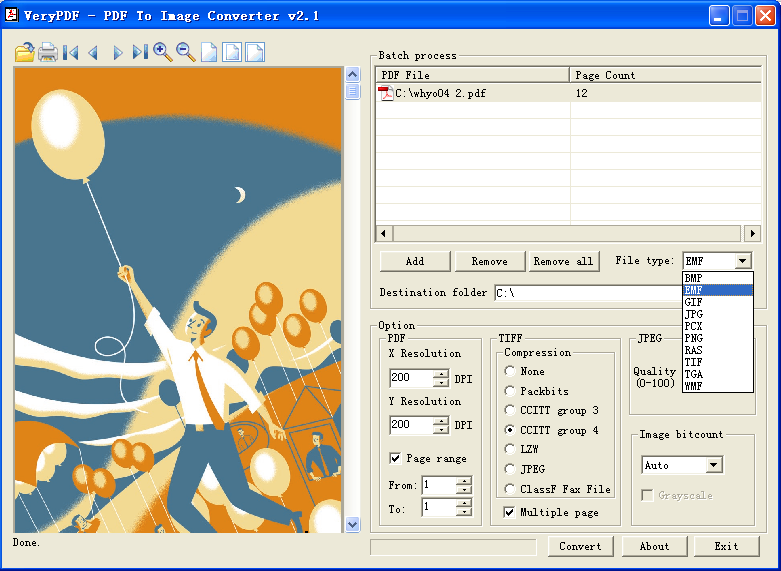
and text for editing. Image mode (BMP, JPG, TIFF, GIF, PNG, PCX, TGA, etc.) is
finest when you don't must make any modifications to the file but want a modest
file with high resolution.
PDF to Picture Converter has following features:
Convert PDF files in editable vector (WMF/EMF) or picture (BMP, JPG, TIFF, GIF,
PNG, PCX, TGA, etc.) formats.
Convert ONE PDF file or lots of PDF files in batch mode.
Accurately reproduces PDF objects within the Windows picture format (WMF or
EMF).
Preserves searchable PDF text as editable text in WMF and EMF output.
Merges characters into words and one-line text strings for enhanced editing and
searching (this feature is supported in WMF and EMF formats, available in
custom-build version only).
Make use of font identify mappings in the course of conversion (correct or
substitute, available in custom-build version only).
Able to keep the PDF paper size in output formats automatically.
Crop output image formats to eliminate white margins (available in custom-build
version only).
Able to skip some special vectors, pictures and/or text during conversion
(available in custom-build version only).
Converts multi-page PDF to many single-page Web useable images.
Simplified interface for more direct conversions to WMF and EMF formats.
Able to support non-standard font encodings.
Standalone application, without need Adobe Acrobat or Adobe Reader installed in
your system.
Convert PDF into multiple page of TIFF images.
Convert only selected pages of PDF you want to convert.
Suitable with all Windows systems, like Win 98, NT, 2000, XP, Vista, 2008 and
Windows seven.
Home |
Products |
Downloads |
Support |
Links | Contact
Copyright © 2000- VeryPDF.com, Inc. All rights reserved.
Send comments about this site to the webmaster.