HI support,
We like to convert a html to PDF. Inside html, We have table with background image. I use html2any to convert the html. The background image of the table does not show. Please advise.
Thanks!
Customer
--------------------------------------
We have figured out a solution to you, please download htmltools.exe from this web page first,
https://www.verypdf.com/app/html-converter/try-and-buy.html#cmd
https://www.verypdf.com/htmltools/htmltools.zip
after you download and unzip it to a folder, you can run following command line to convert this HTML file to PDF file easily,
htmltools.exe -webkit2 -width 842 -height 1190 D:\downloads\PMhtmlpage.htm D:\downloads\PMhtmlpage.pdf
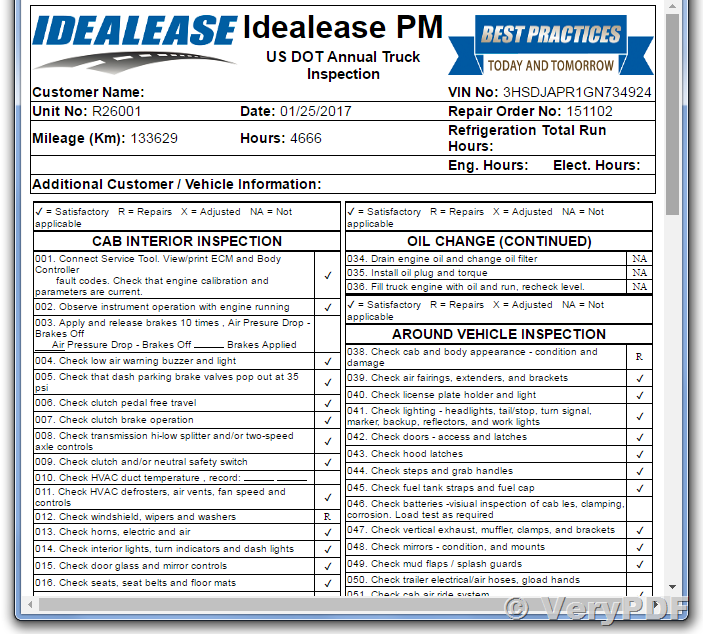
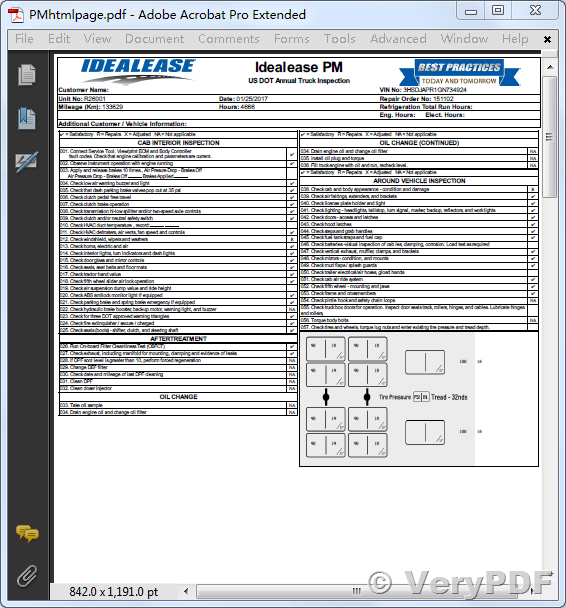
Please look at the screenshots of original HTML file and converted PDF file at below, we hope this PDF file will useful to you.
This is original HTML file,
This is converted PDF file, as you see, the pictures in HTML table were converted into PDF file properly,
VeryPDF