How Can I convert TXT to PDF for multiple files in a folder?
The version professional is possible?
Customer
-----------------------------
Can I convert multiple files ?
I execute command ".\txt2pdf.exe C:\temp\pdf\in\*.txt C:\temp\pdf\out\*.pdf" but don't done
Customer
-----------------------------
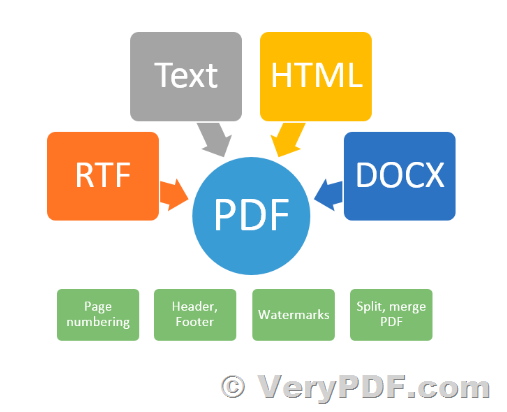
Thanks for your message, you can run following command line to batch convert all of text files from "C:\temp\pdf\in" folder and place the output PDF files to "C:\temp\pdf\out" folder,
for %F in (C:\temp\pdf\in\*.pdf) do "C:\VeryPDF\txt2pdf.exe" "%F" "C:\temp\pdf\out\%~nF.pdf"
VeryPDF