First let’s add an annotation to a PDF file by use of VeryPDF PDF Editor.
Step 1: Open VeryPDF PDF Editor and from your computer choose a PDF file and add it to VeryPDF PDF Editor.
Step 2: See the illustration below:
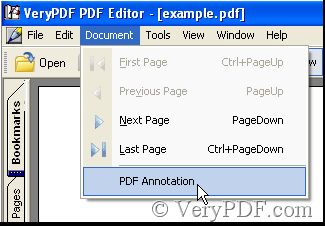
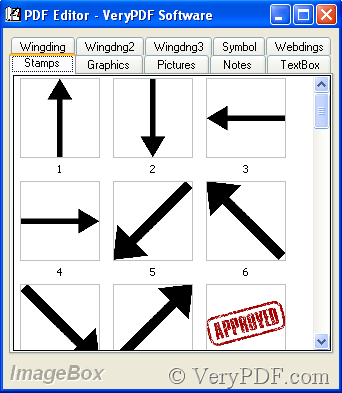
There are ten categories about the annotations, except Graphics and TextBox categories, the left only double-click them, then they are added to the PDF file. Next is an annotation that has been added.
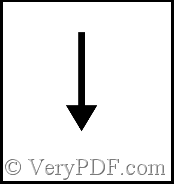
Now let’s see how to change the opacity of the annotation.
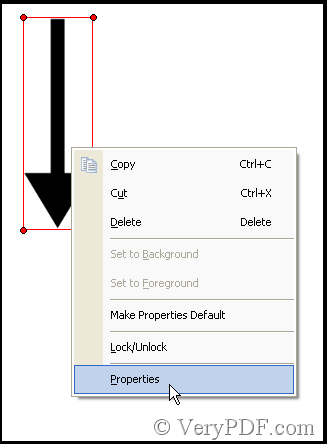
Step 1: Click the Edit Comment in the toolbar of VeryPDF PDF Editor, thus you can click the annotation, next is the illustration.

Step 2: Right-click and choose Properties.

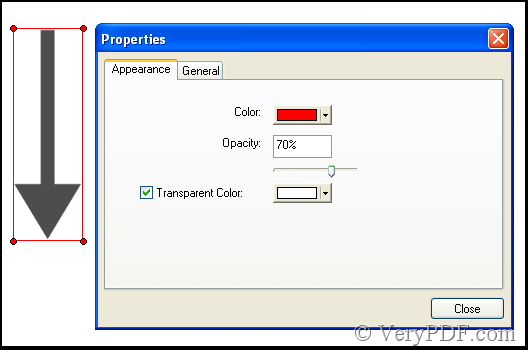
In this illustration you can change the opacity, there are two ways.
Way 1: Enter a figure in Opacity box, the figure is confined from zero to hundred.
Way 2: adjust in the slider.
Next is the effect about the opacity.