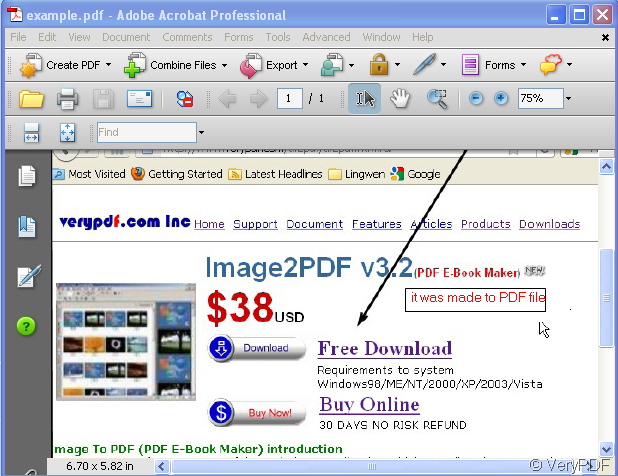
If you have Adobe Acrobat installed in your PC , you can convert the images to PDF file by it. If you do not have Adobe Acrobat installed, please have a try of this software-.Image to PDF is a Windows application which can directly convert dozens of image formats, such as TIF, TIFF, JPG, JPEG, GIF, PNG, BMP, PSD, WMF, EMF, PCX, PIC and so on, into PDF format.
- First, please download this software here:https://www.verypdf.com/tif2pdf/tif2pdf.htm#dl You can choose downloading kinds according to the day quantity. Or you also can download the trial version to feel this software. Please save the “img2pdf.exe” file ,unzip it and let it run in your computer.
- Then you can enter the interface of this software.
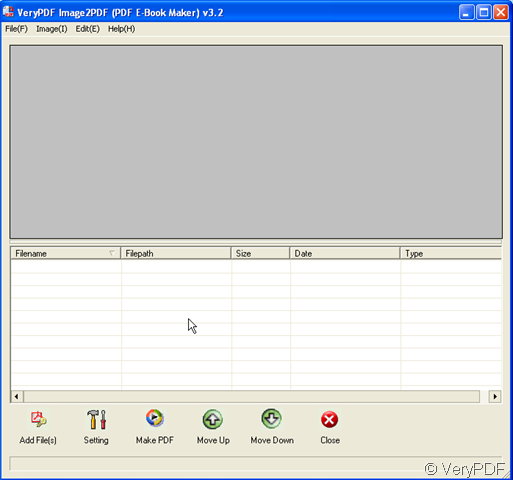
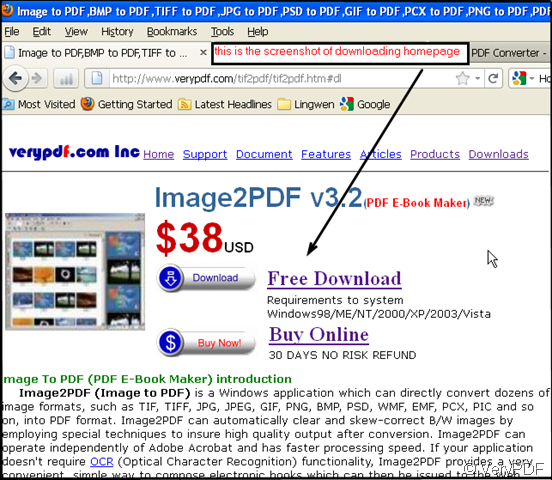
- Take a random image for example, name it “ example.bmp”. “ example.bmp” is the screenshot of downloading homepage. I will convert this image to PDF file format.
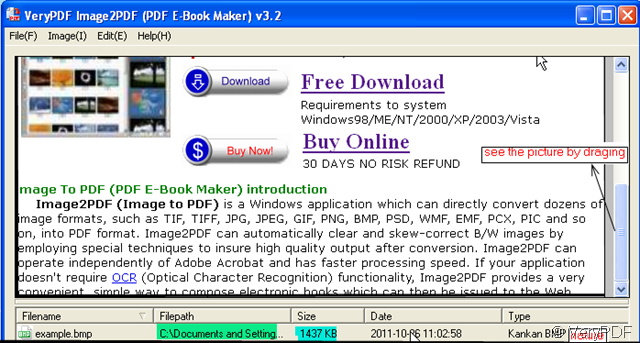
- Add this file to Image2PDF. It supports two ways of adding files. a, simply drag your file to Image2PDF b, click “Add File” to choose the Disk your file is in then the folder, the last left-click the file, it will be chosen to be converted. Once you have chosen the file, click it, it will be shown in the blanks. The file name, Filepath, Size,Date and Type will be shown under the picture. No matter how many files, you have added, they will not be mistaken.
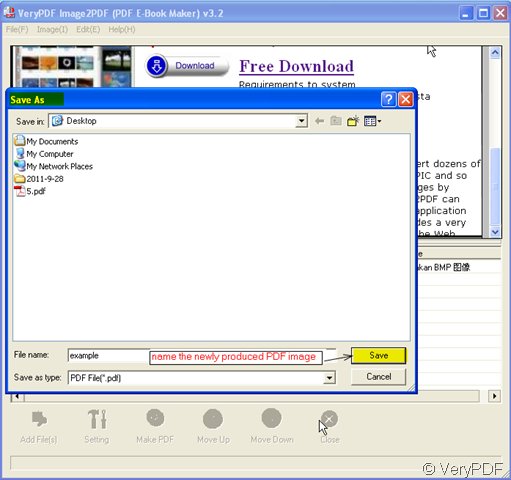
- Please click “Make PDF”, then all the menu buttons will go gray and a dialog box show up. The new dialog box title is “save as”. Please name the newly produced PDF image and do not forget to save it. Remember the folder name then you can find the converted PDF file there.
- It takes one second to finish the converting. A PDF file bounces to the screen in the open status. You can see your image is kept in PDF file.