In this article, I want to show you how to use PDFcamp Printer to convert ppt to pdf.
You may ask “why you want to convert ppt to pdf?”The answer is ppt is famous for “capricious”.When we use ppt we may find out that a same ppt will be different in different and when we print it,graphics disappear or misprint, text and labels shift position, letters vanish.So it’s necessary to convert ppt to pdf.
But the windows system itself doesn’t have the function of converting ppt to pdf.So we need to use PDFcamp Printer ,a powerful software.
In the ppt file, click “File”—“print”.
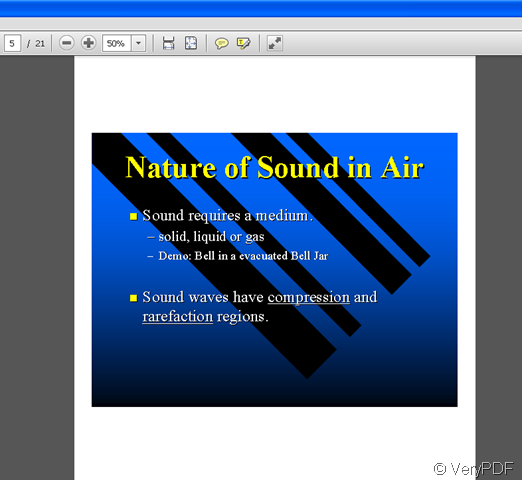
e fifth page of the new file after converting ppt to pdf