I notice you have an option to -mergeprintjobs. How does this work actually?
Currently I'm doing the following...
pdfprint $ "" -printer MyPrinter1 file0.pdf
pdfprint $ "" -printer MyPrinter1 file1.pdf
pdfprint $ "" -printer MyPrinter1 file2.pdf
pdfprint $ "" -printer MyPrinter1 file3.pdf
This is 4 print jobs, right?
How do I use -mergeprintjobs to make 1 print job?
Customer
---------------------------------
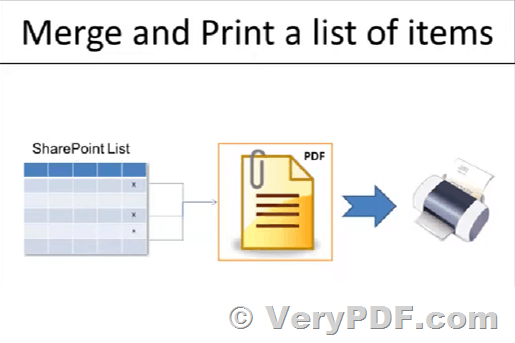
Thanks for your message, yes, you can use -mergeprintjobs option to merge more print jobs into one single print job,
-mergeprintjobs : combine all print jobs into one print job
You can run following command lines to merge more print jobs into one print job,
pdfprint.exe -mergeprintjobs -copies 3 C:\input.pdf
pdfprint.exe -mergeprintjobs C:\*.pdf
pdfprint.exe -mergeprintjobs C:\test*.pdf
pdfprint.exe -mergeprintjobs C:\files.txt
VeryPDF
See Also:
- https://www.verypdf.com/wordpress/201306/how-to-combine-all-print-jobs-into-one-print-job-by-pdfprint-36832.html
- Combining print jobs
- Combine/merge multiple print jobs into one print job
- Merging multiple print jobs for stapling